
site by site
| Site | How the reply gets there | What you connect |
|---|---|---|
| App Store | Posts straight from Earful | An App Store Connect API key |
| Google Play | Posts straight from Earful | A Google Cloud service account added to your Play Console |
| Google (Maps and Business Profile) | The Companion fills in your reply; you press Reply | The free Earful Companion browser extension, and your usual Google sign-in |
App Store
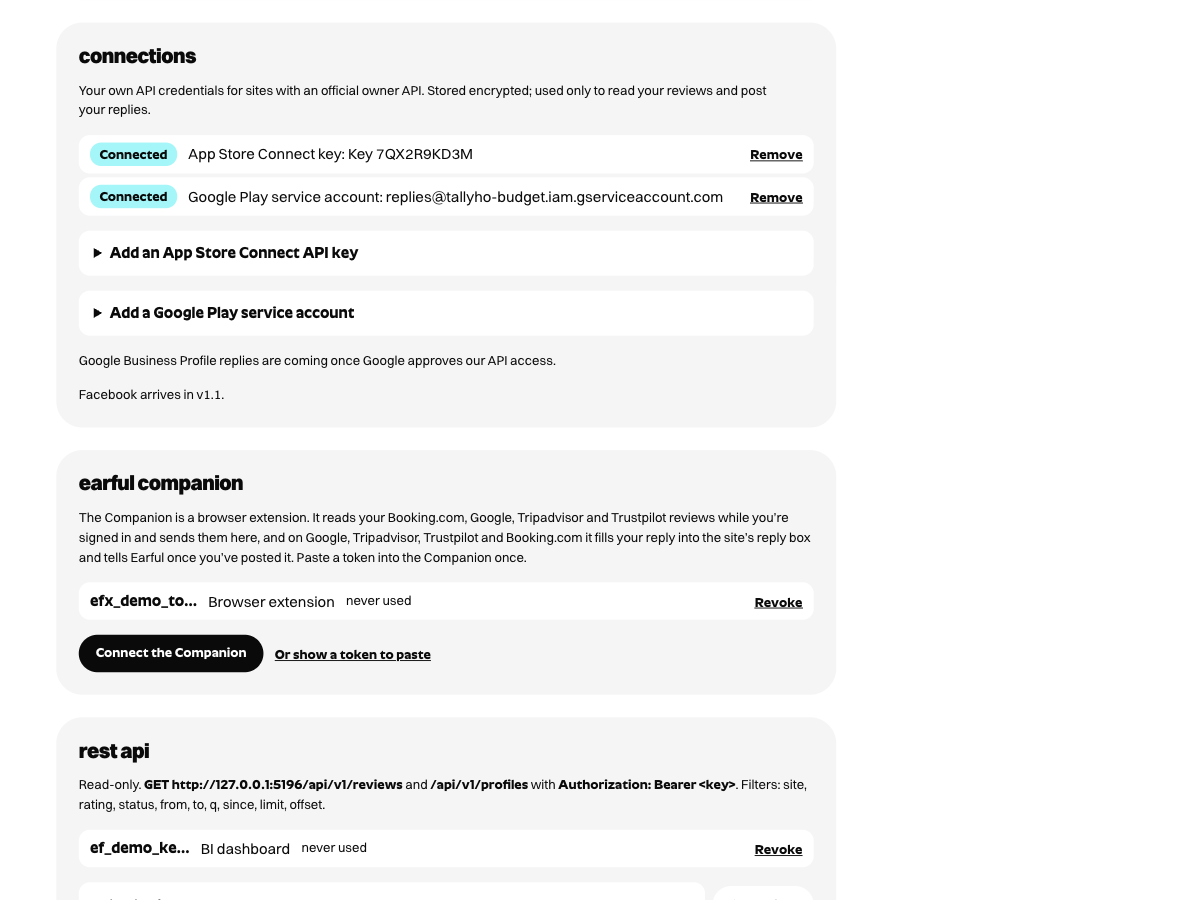
Apple lets developers answer reviews through the App Store Connect API, using a key from your own account. In App Store Connect, go to Users and Access, then Integrations, and create a team key with the Customer Support role (or a role with more access). Paste the key ID, issuer ID and the downloaded key file into Earful’s settings. Earful stores the key encrypted and uses it only to read reviews and post the replies you send. Apple shows a reply on the App Store once it has checked it, which usually takes a little while.
Google Play
Google Play replies go through the Google Play Developer API, using a service account from your own Google Cloud project. Create the service account, download its JSON key, then in Play Console open Users and permissions, invite the service account’s email address and give it Reply to reviews for your apps. Upload the JSON key in Earful’s settings. Replies post straight away and show on Google Play shortly after.
Google reviews
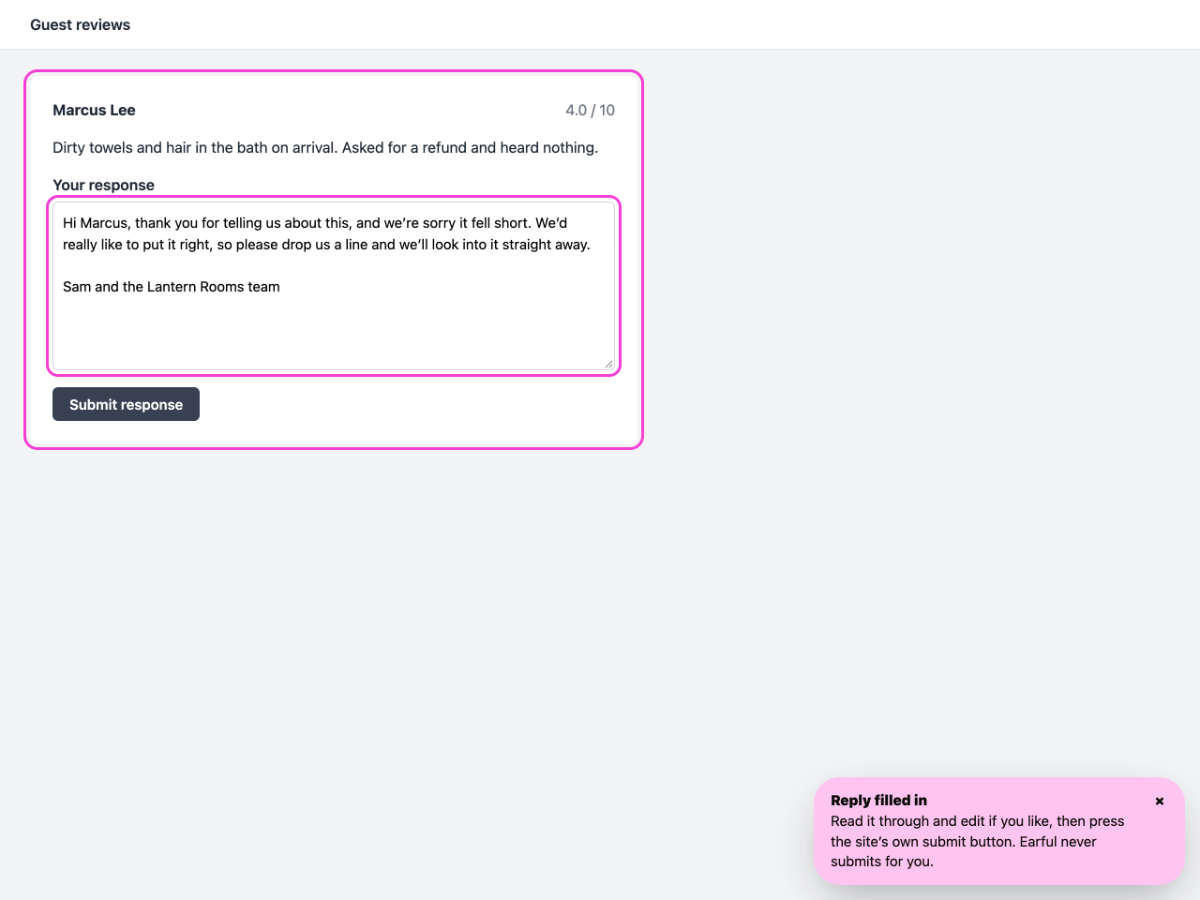
Earful collects your Google reviews automatically, or through the free Earful Companion browser extension while you’re signed in to your Business Profile, and one click drafts a reply in your voice. When you’re happy with it, press Copy and open reply page: Earful opens your Business Profile reviews and the Companion fills your reply into Google’s reply box. Read it over and press Reply, and Earful marks it as answered. No copying, no hunting for the review.
one inbox for all three
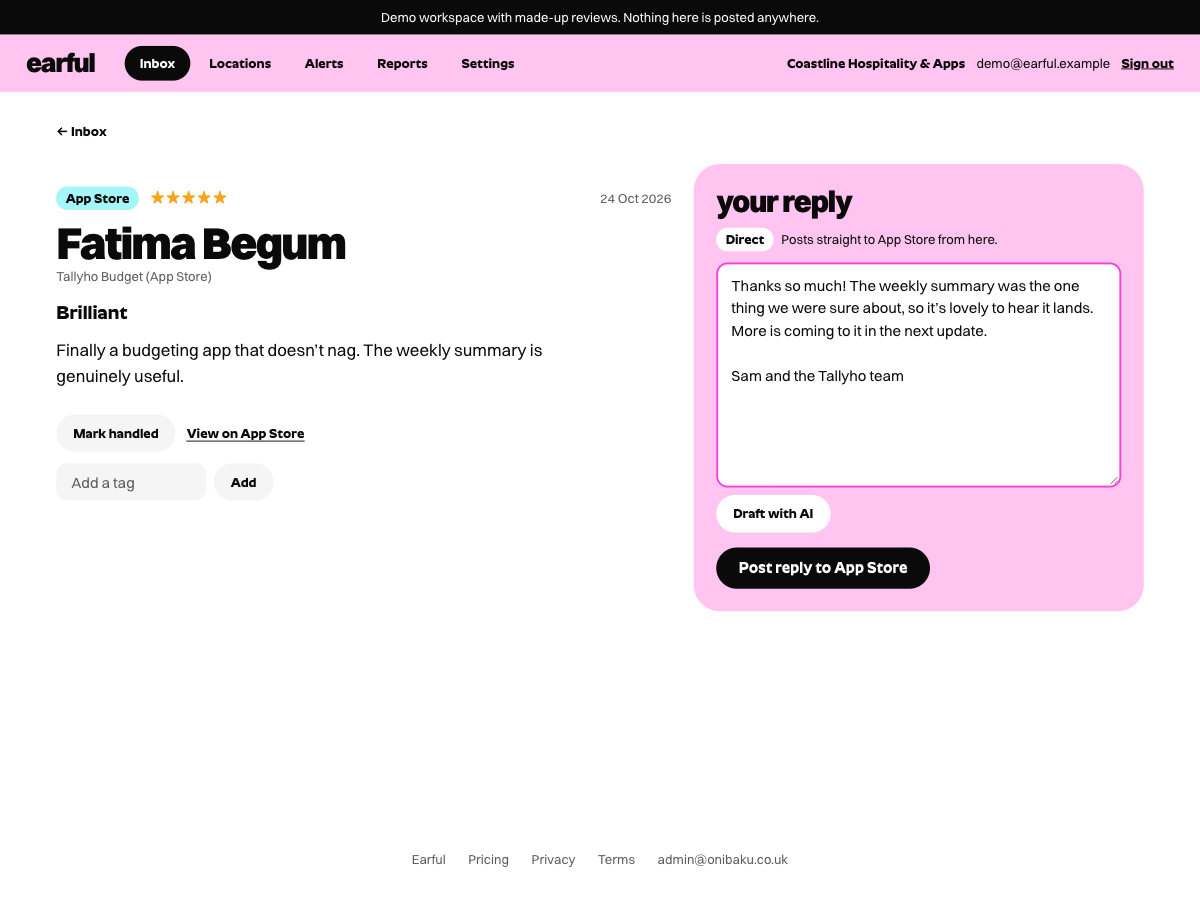
Every review lands in the same list, newest first, marked with its site and star rating. Filter to one site, or to the reviews nobody has answered yet. Drafts follow the tone you set once (your name, your sign-off, how formal you are), and nothing is posted until you press the button.
One app on both stores is one location, and so is one business on Google. Earful Plus is £34 a location a month, or £29 billed yearly, and direct replies to the App Store and Google Play are part of it.
Just want one reply? Paste the review into the free review reply generator.